You’ve built your author brand. You’ve written the book. Now you need book mockups, social media graphics, and promo videos — and Book Brush keeps coming up.
But here’s the thing: most authors only use a fraction of what Book Brush offers.
If you need better mockups, more design flexibility, AI-generated visuals, or easier video creation — there are now several book brush alternative tools worth considering.
What Makes a Good Book Brush Alternative?
Not every tool needs to do everything Book Brush does.
Some alternatives specialize in one thing — like premium mockups or video creation — and do it better. Others offer features Book Brush doesn’t have, like AI-generated marketing visuals or advanced design control.
When comparing alternatives, we’ll look at:
- Book mockup quality
- Marketing graphic creation
- Video generation capabilities
- Ease of use
- Pricing
- AI features
Let’s pause there.
The best tool isn’t the one with the most features. It’s the one that fits your actual workflow.
1. Canva + Smartmockups — Best Overall Alternative
Canva isn’t a mockup generator on its own. But when combined with Smartmockups, it becomes the most versatile book brush alternative for authors who need more than mockups.
Why authors love it:
- Thousands of social media templates
- Built-in Smartmockups integration for realistic book mockups
- Brand kits to maintain visual consistency
- Easy resizing for different platforms
- Huge stock photo library
Canva handles your newsletter headers, Instagram posts, Facebook ads, and Pinterest pins. Smartmockups handles your book mockups — hardcovers, paperbacks, Kindles, tablets.
Best for: Authors who want one tool for graphics, ads, newsletters, and mockups.
Pricing
Canva Pro starts at $14.99/month. Smartmockups starts at $9/month.
Combined, that’s less than Book Brush — and you get more design flexibility.
2. Mockey AI — Best Free Book Mockup Generator
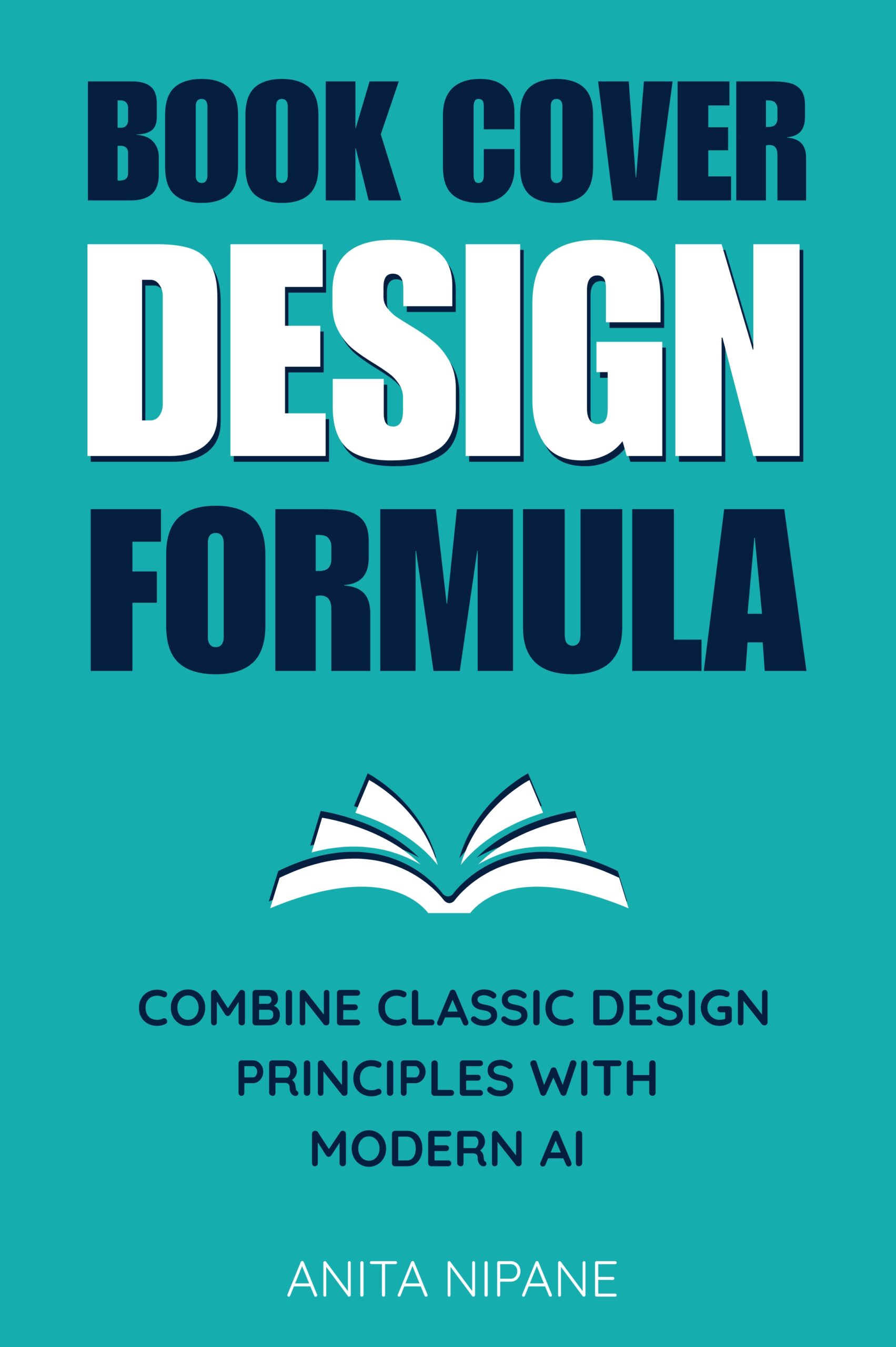
Mockey AI is a browser-based mockup generator that requires no account, no download, no credit card.
You upload your cover. You choose a mockup. You download the file.
That’s it.
Highlights:
- Hundreds of book mockups — hardcover, paperback, ebook
- Fast exports
- No branding on free mockups
- Works in any browser
Best for: Authors who mainly need realistic book mockups and don’t want to pay monthly fees.
3. Kittl — Best for Premium Marketing Graphics
Kittl is where designers go when they want more control than Canva offers.
It’s not a mockup generator. It’s a full design platform with professional typography tools, vector editing, and high-end templates built specifically for branding.
Highlights:
- Better design flexibility than Book Brush or Canva
- Professional typography tools for creating branded graphics
- High-quality templates for book marketing
- Excellent branding options
Best for: Authors building a long-term author brand who want premium design quality.
Pricing
Kittl starts at $10/month. The Pro plan ($20/month) unlocks advanced features most authors won’t need unless they’re designing book covers or merchandise.
4. ChatGPT — Best AI-Powered Book Mockup Creator
Many authors don’t realize that modern AI image generators can create book marketing visuals from simple prompts.
ChatGPT with DALL-E can generate:
- Books displayed on coffee tables
- Kindle mockups in realistic settings
- Hardcover books in natural lighting
- Social media promotional graphics
- Seasonal marketing images
Instead of choosing from templates, you generate unique scenes tailored to your genre, audience, and campaign.
Best for: Authors who want completely custom marketing visuals rather than stock mockups.
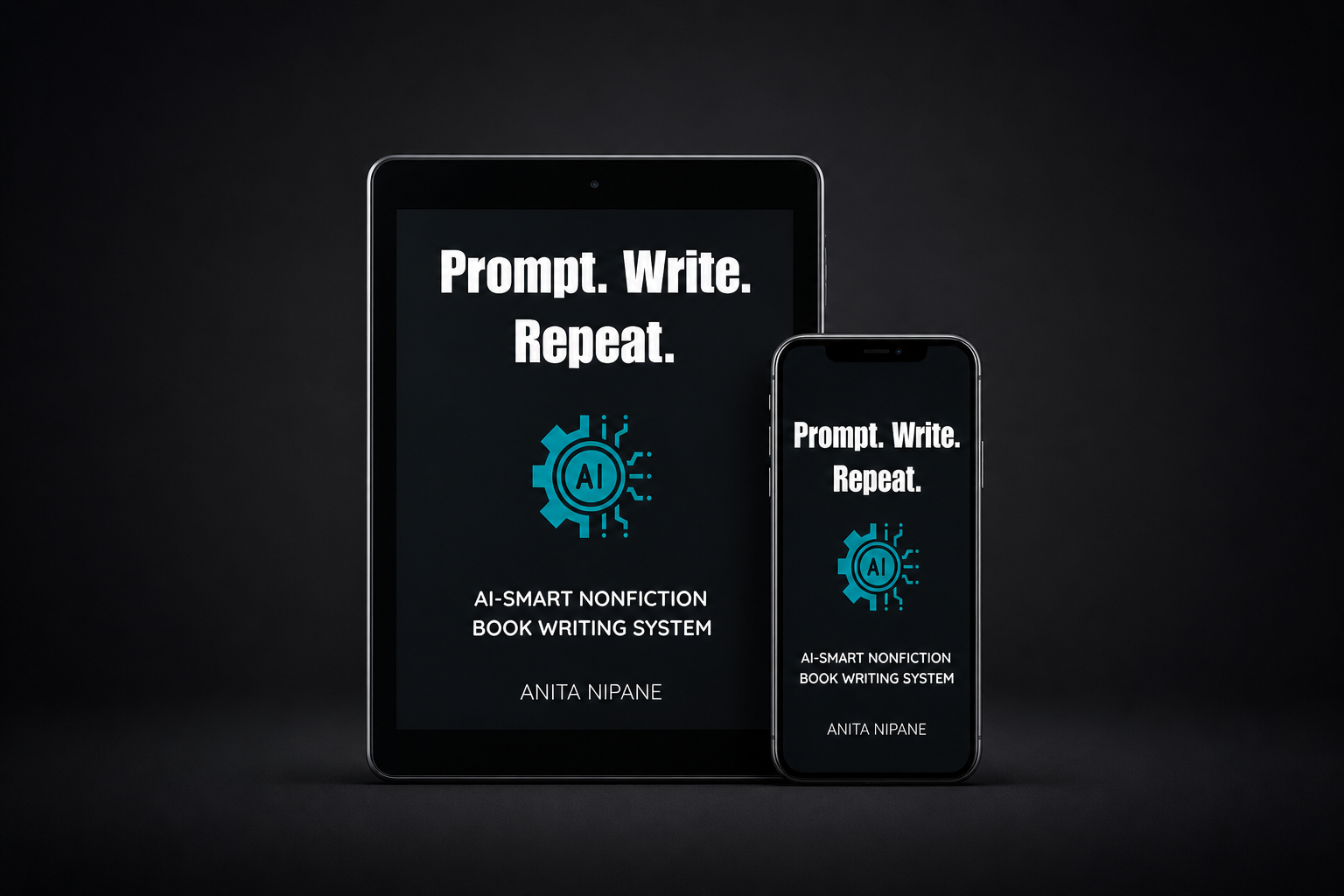
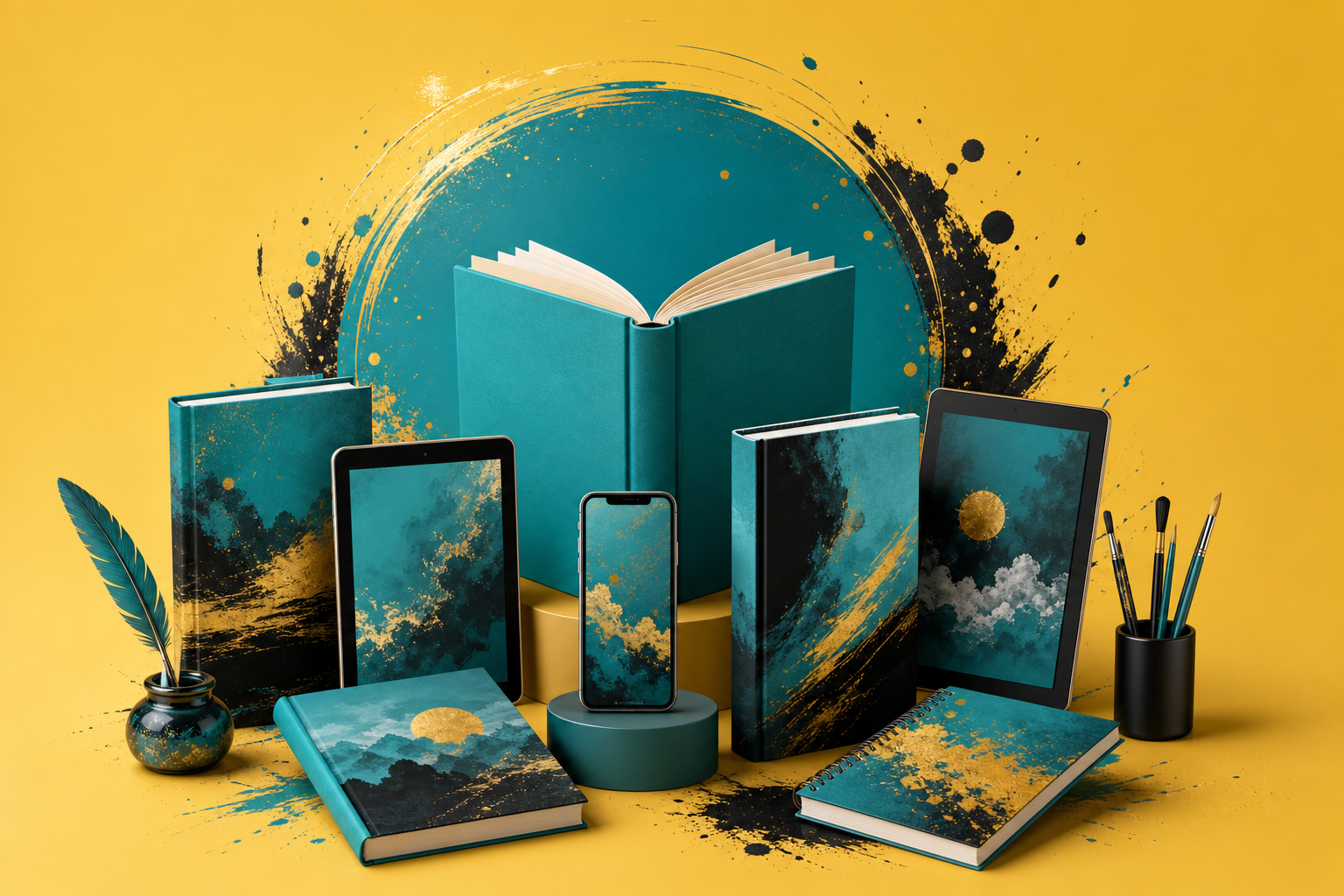
Mockup generated with ChatGPT
Example Prompt
“Create a realistic 3D mockup of a nonfiction business book standing on a modern desk with a laptop, warm lighting, and professional branding style.”
That’s not lazy. It’s strategic — you get exactly the visual you need without hunting through template libraries.
5. CapCut — Best for Book Promo Videos
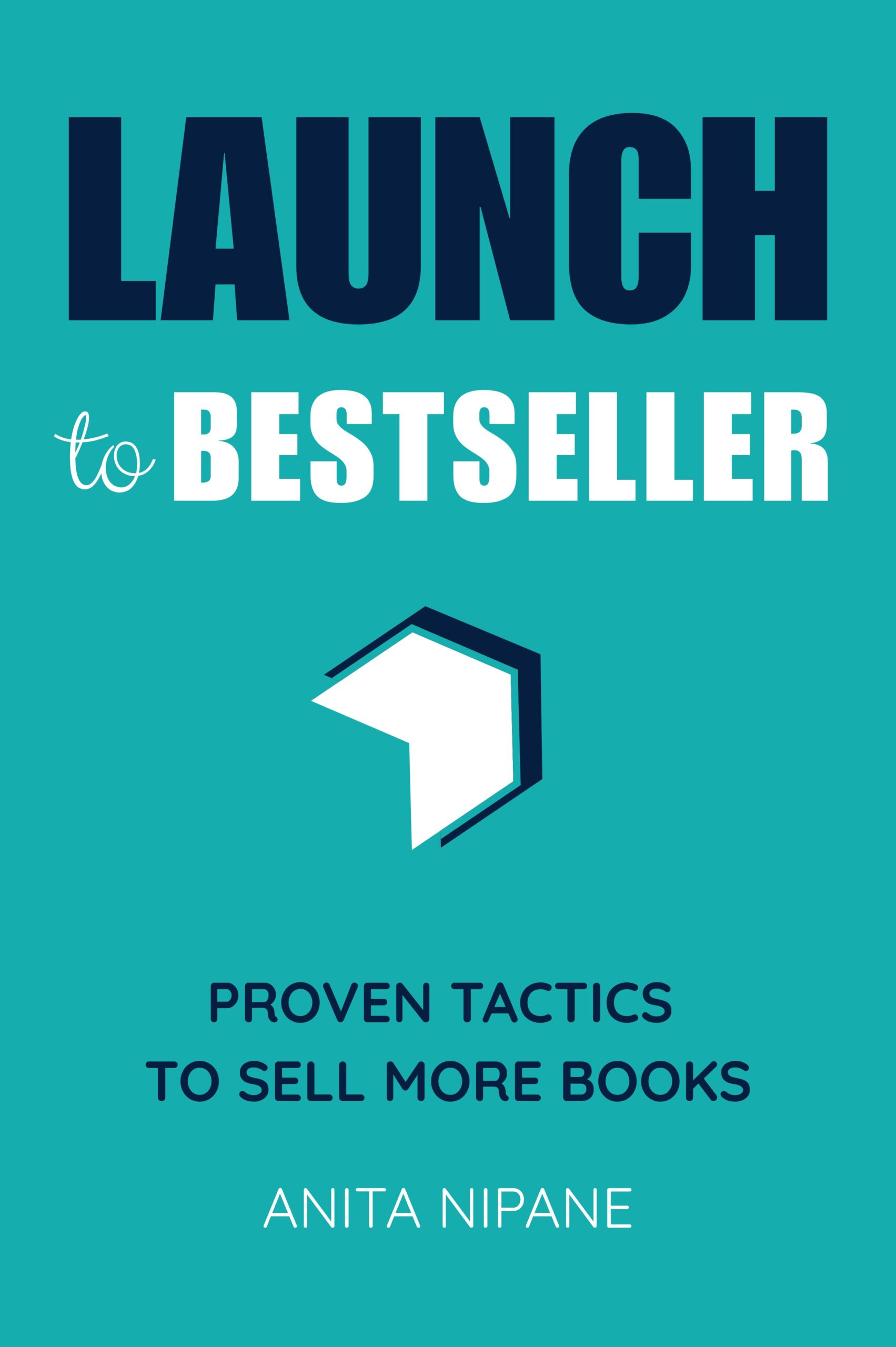
CapCut is a free video editor built for social media — TikTok, Instagram Reels, YouTube Shorts.
It’s not a mockup generator. But if you need book trailers, promo videos, or animated social posts, CapCut does it faster than Book Brush.
Highlights:
- AI video tools for automatic editing
- Animated text and transitions
- Book trailer templates
- TikTok and Reels templates optimized for engagement
- Automatic captions
Best for: Authors promoting books on social media who need video content without editing skills.
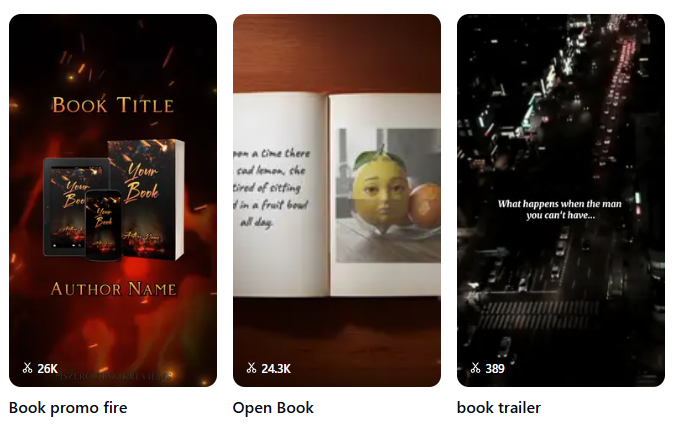
Book trailers with CapCut
Pricing
CapCut is free. The Pro version ($9.99/month) removes watermarks and unlocks premium templates.
6. InVideo AI — Best AI Video Generator for Authors
InVideo AI generates full book trailers from text prompts.
You describe what you want. The AI selects stock footage, adds text, layers voiceover, and exports a finished video.
Highlights:
- Generate videos from prompts
- AI voiceovers included
- Stock footage library
- Fast trailer creation
Best for: Authors who want video marketing without editing skills or design experience.
Pricing
InVideo starts at $20/month. The free plan includes watermarks.
7. Adazing — Best Author-Focused Alternative
Adazing is a lesser-known book brush alternative built specifically for authors.
It combines book mockups with additional publishing resources — marketing tools, cover templates, and author-focused workflows.
Highlights:
- Book mockup tools
- Additional publishing resources
- Marketing tools built specifically for authors
- Beginner-friendly workflow
Best for: First-time self-publishers who want an all-in-one author platform.
Pricing
Adazing starts at $9/month.
Honorable Mentions — More Book Brush Alternatives
If none of the above fit, here are a few more worth exploring:
Mockuuups Studio
Professional-grade mockup generator with advanced customization options. Great for authors who want more control over mockup angles, lighting, and positioning.
Artboard Studio
Another mockup tool with design flexibility. Better than Book Brush for custom branding — but steeper learning curve.
DIY Book Covers
Free 3D book mockups. Simple, fast, no account required.
MockupBro
Simple browser-based mockup generator. Upload cover, choose mockup, download. Free tier available.
Absolute Covers
Ready-made promotional graphics for authors. Good for quick social posts.
| Tool | Best For | Starting Price |
|---|---|---|
| Canva + Smartmockups | All-in-one graphics and mockups | $14.99/month (Canva) + $9/month (Smartmockups) |
| Mockey AI | Free mockups | Free |
| Kittl | Premium design flexibility | $10/month |
| ChatGPT | AI-generated custom visuals | $20/month |
| CapCut | Book promo videos | Free |
| InVideo AI | AI-generated video trailers | $20/month |
| Adazing | Author-focused platform | $9/month |
Which Book Brush Alternative Should You Choose?
It depends on what you actually need.
If you need mockups only — go with Mockey AI or DIY Book Covers. Both free, both fast.
If you need graphics and mockups — Canva + Smartmockups is the most versatile combination.
If you want AI-generated visuals — ChatGPT gives you custom marketing images without template hunting.
If you need video — CapCut or InVideo AI will get you further than Book Brush’s video features.
The right tool isn’t the one with the most features. It’s the one that fits your workflow and eliminates friction between idea and finished asset.
For more book marketing tools, check out the AI Tools Directory.