You’ve just finished your book and need a professional mockup to showcase your work online. The cover exists as a flat image file, but you want something that looks like a real book — with depth, shadows, maybe even sitting on a wooden desk or floating in mid-air.
Creating book cover mockups used to require expensive design software or hiring a professional. Not anymore.
Modern book mockup tools let you upload your cover design and generate realistic 3D book images in minutes. Some are free, others offer premium features, and a few can even be created using AI prompts.
Why Book Mockups Matter
A flat cover image tells readers what your book looks like. A mockup shows them what it feels like to own it.
Book mockups create visual depth that flat covers simply can’t match. They help your book stand out on social media, your website, and in marketing materials. Readers scroll past flat images — but they pause at books that look three-dimensional and tangible.
The psychology is simple: mockups make digital books feel physical.
7 Free Tools for Creating Book Mockups
These tools range from simple drag-and-drop interfaces to more advanced editors with customization options.
1. Smartmockups
Smartmockups offers dozens of book mockup templates in their free plan. Search for “book mockup” and you’ll find different options.
The interface is intuitive — upload your cover, drag it onto the mockup template, and adjust the positioning. The tool automatically applies perspective and lighting effects.
Limitation: free templates can look generic since many authors use the same ones.

A book mockup generated using SmartMockups
2. Placeit
Placeit provides free book mockups with their basic plan. Their selection includes books in realistic environments: coffee shops, libraries, outdoor settings.
The rendering quality is high, with accurate shadows and reflections. Free users get watermarked images, but the mockups look professional enough for most marketing purposes.
3. Mockup World
Mockup World aggregates free mockup templates from designers worldwide. Their book section includes PSD files that require Photoshop knowledge, but also some simpler options.
Quality varies since these are user-submitted, but you’ll find unique templates not available on other platforms.
4. Mockey AI
Mockey gives you free book mockup templates — eBooks, paperbacks, hardcovers — dropped into realistic scenes. Books on desks, held in hands, stacked on shelves, laid out for ads.
No design experience needed. Upload your cover, pick a scene, download. At the time of writing, most mockups are watermark-free, which makes it genuinely useful if you’re creating marketing images on a budget rather than paying a designer for every social post.
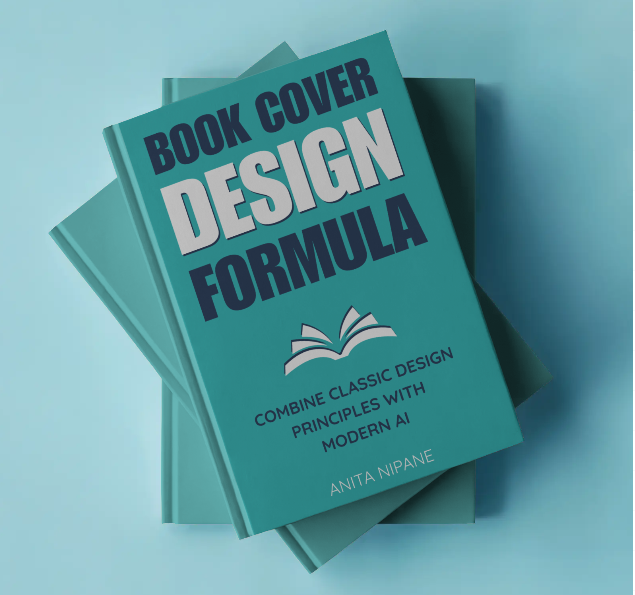
A book mockup generated using MockeyAI
5. Adobe Express
Adobe Express includes book mockup templates in their free plan. The editing interface is more basic than full Photoshop but handles simple mockup creation well.
Templates lean toward clean, minimalist presentations — books on solid backgrounds or simple desk scenes.
6. Pacdora
Pacdora focuses specifically on packaging and book mockups. Their free tier includes several 3D book templates with customizable backgrounds and lighting.
The tool generates high-resolution outputs suitable for print marketing materials, not just web use.
7. DIY Book Covers
DIY Book Covers does exactly what the name says. Upload your cover, get a clean mockup — print or eBook, no fuss.
It’s not the most feature-rich tool on this list. But if you need a quick, presentable mockup without digging through templates or learning a new interface, it gets the job done in under a minute.
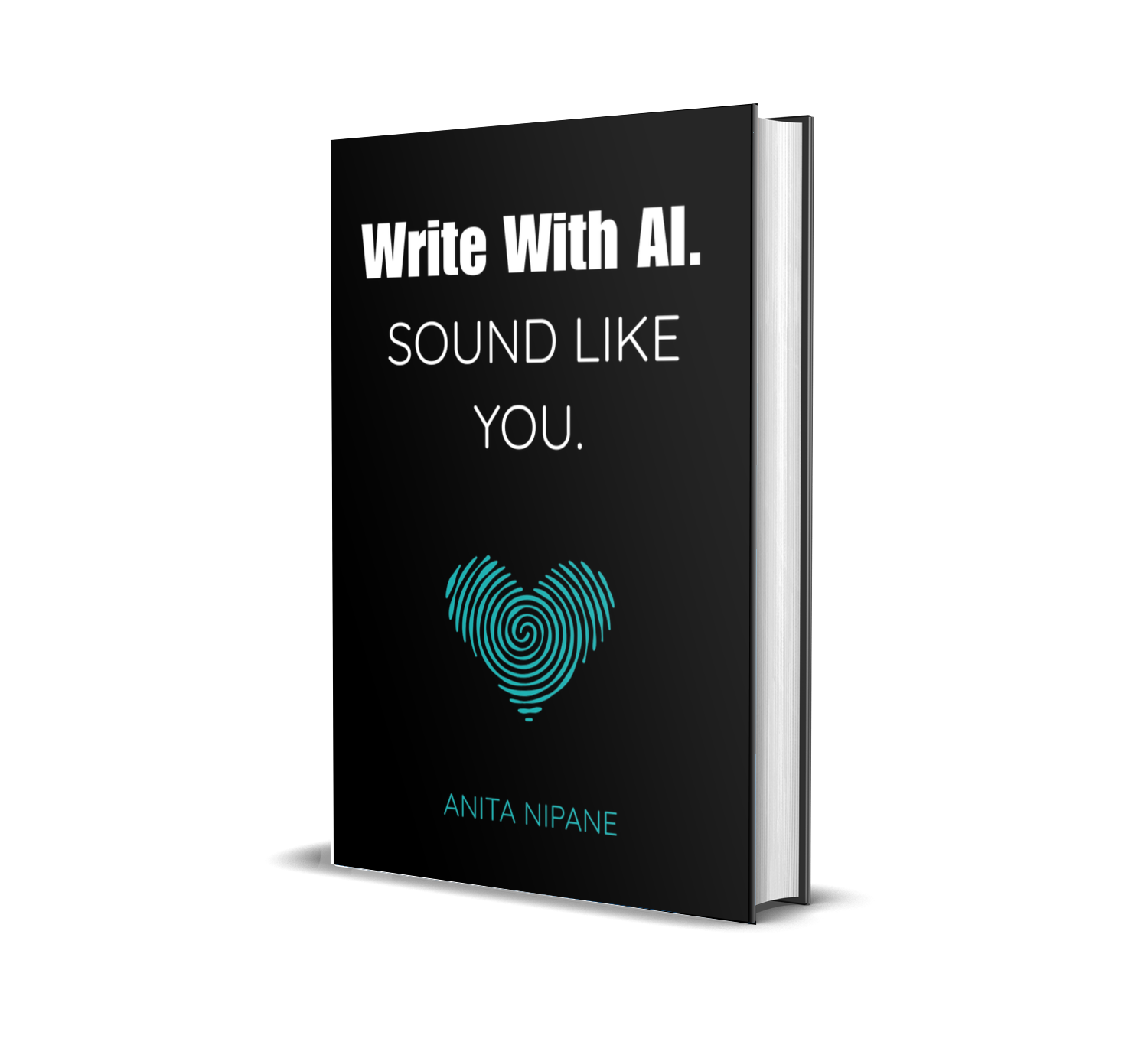
A book mockup generated using DIY Book Covers
Generate Book Mockups with ChatGPT
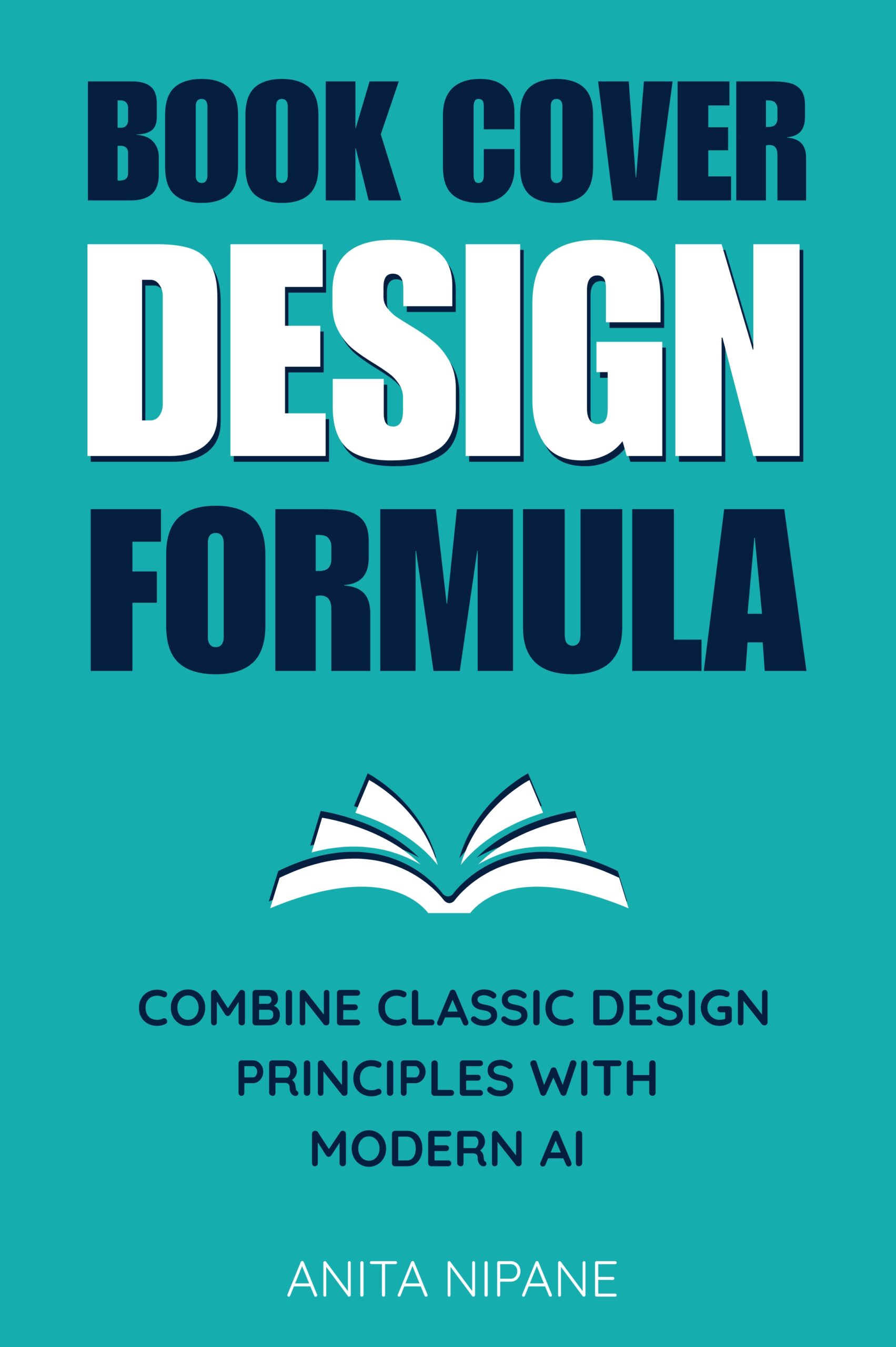
AI image generators can create custom book mockups when given detailed prompts. This approach offers complete creative control but requires more specific instructions than template-based tools.
Using ChatGPT with DALL-E
ChatGPT’s image generation creates book mockups from text descriptions. The process works best when you describe the book’s appearance, setting, and desired mood.
Start with book dimensions and cover elements, then specify the environment. A prompt like “3D rendered paperback book with blue cover sitting on a wooden desk next to a coffee cup, soft natural lighting from the left” produces usable results.
Key Elements for AI Book Mockup Prompts
Successful AI-generated mockups need specific details:
- Book format: paperback, hardcover, or ebook on device
- Cover description: colors, basic design elements, title placement
- Environment: where the book appears
- Lighting: natural, studio, dramatic shadows
- Perspective: front-facing, angled, top-down view
AI generators work better with concrete descriptions than abstract concepts. “Modern minimalist cover” produces unclear results, while “white cover with black sans-serif text and small geometric symbol” gives the AI clear parameters.
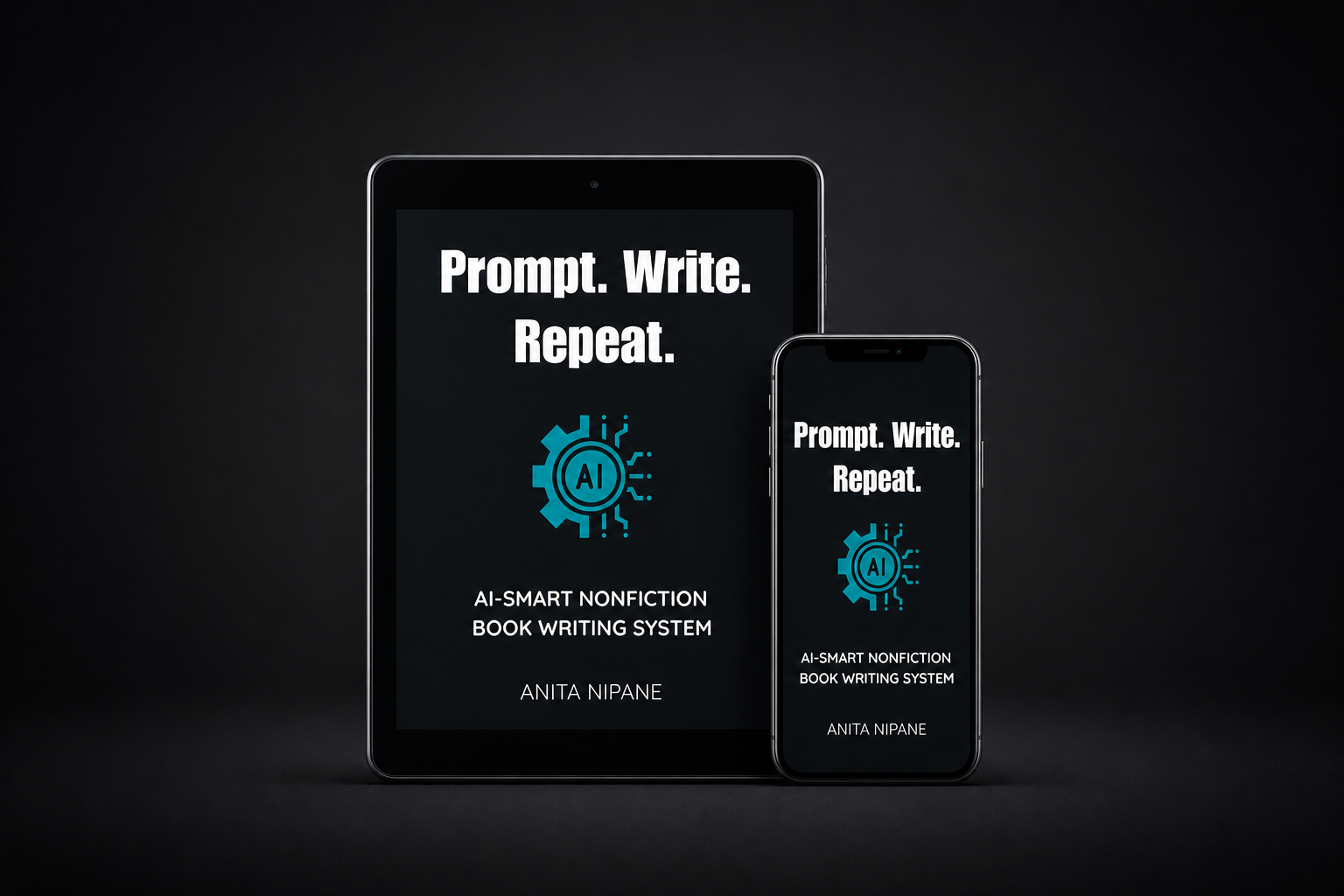
A book mockup generated using ChatGPT
Limitations of AI Book Mockups
AI-generated mockups can’t perfectly replicate your exact cover design. The tools create interpretations based on your description rather than applying your actual cover image to a 3D model.
Text on AI-generated books often appears garbled or illegible. These mockups work best for concept images and social media posts where perfect text reproduction isn’t critical.
Choosing the Right Tool for Your Needs
Template-based tools work best when you need quick results and don’t mind using popular designs. They’re reliable, fast, and produce consistent quality.
AI generation makes sense when you want unique perspectives or don’t have access to design software. The results are less predictable but offer creative possibilities that templates can’t match.
Making Your Mockups Work Harder
Good book mockups do more than display your cover — they communicate genre, quality, and target audience at a glance.
Romance novels benefit from soft lighting and cozy settings. Business books look authoritative on clean desks or conference tables. Fantasy covers shine against dramatic, atmospheric backgrounds.
Consider where your mockups will appear. Social media images need bold, eye-catching compositions. Website headers require wider aspect ratios. Book promotion sites often specify image dimensions and requirements.
Beyond Basic Mockups

Once you’ve mastered simple book presentations, consider mockups that tell a story. Books paired with relevant objects — coffee cups for cozy mysteries, laptops for business guides, maps for travel memoirs — create emotional connections with viewers.
Series mockups showing multiple books together build brand recognition. Readers see your books as part of a cohesive collection rather than standalone titles.
Many successful authors create mockup templates they reuse across their catalog, maintaining visual consistency while saving time on future releases.
Technical Considerations
High-resolution mockups matter for print marketing but create large file sizes for web use. Most platforms automatically optimize images, but starting with quality source files prevents pixelation when images get compressed.
Book spine mockups require special attention to proportions. A 200-page paperback looks different from a 400-page book — thickness affects how the spine appears in angled views.
Consider creating multiple versions of the same mockup at different resolutions for different uses. Full-size versions for your book launch materials and compressed versions for social media.
Integration with Marketing Strategy
Book mockups work best as part of a broader marketing approach. Pair them with compelling copy that addresses your readers’ specific problems and interests.
Use mockups consistently across your author platform. The same visual style on your website, social media, and email newsletters builds recognition and professionalism.
Track which mockup styles generate the most engagement. Some authors find minimalist presentations work better, while others see higher response rates from lifestyle-focused images showing books in realistic reading environments.
Consider seasonal variations — summer beach reading mockups for vacation novels, cozy fireplace settings for winter releases. These environmental cues tap into readers’ emotional associations with different times and places.
Professional book mockups signal that you take your work seriously. They communicate quality before readers even examine your cover design or read your description. In a crowded marketplace, that professional presentation often makes the difference between a scroll-past and a click.
Whether you choose free template tools or experiment with AI generation, consistent, high-quality mockups will elevate how readers perceive your books and increase the effectiveness of your marketing efforts.